


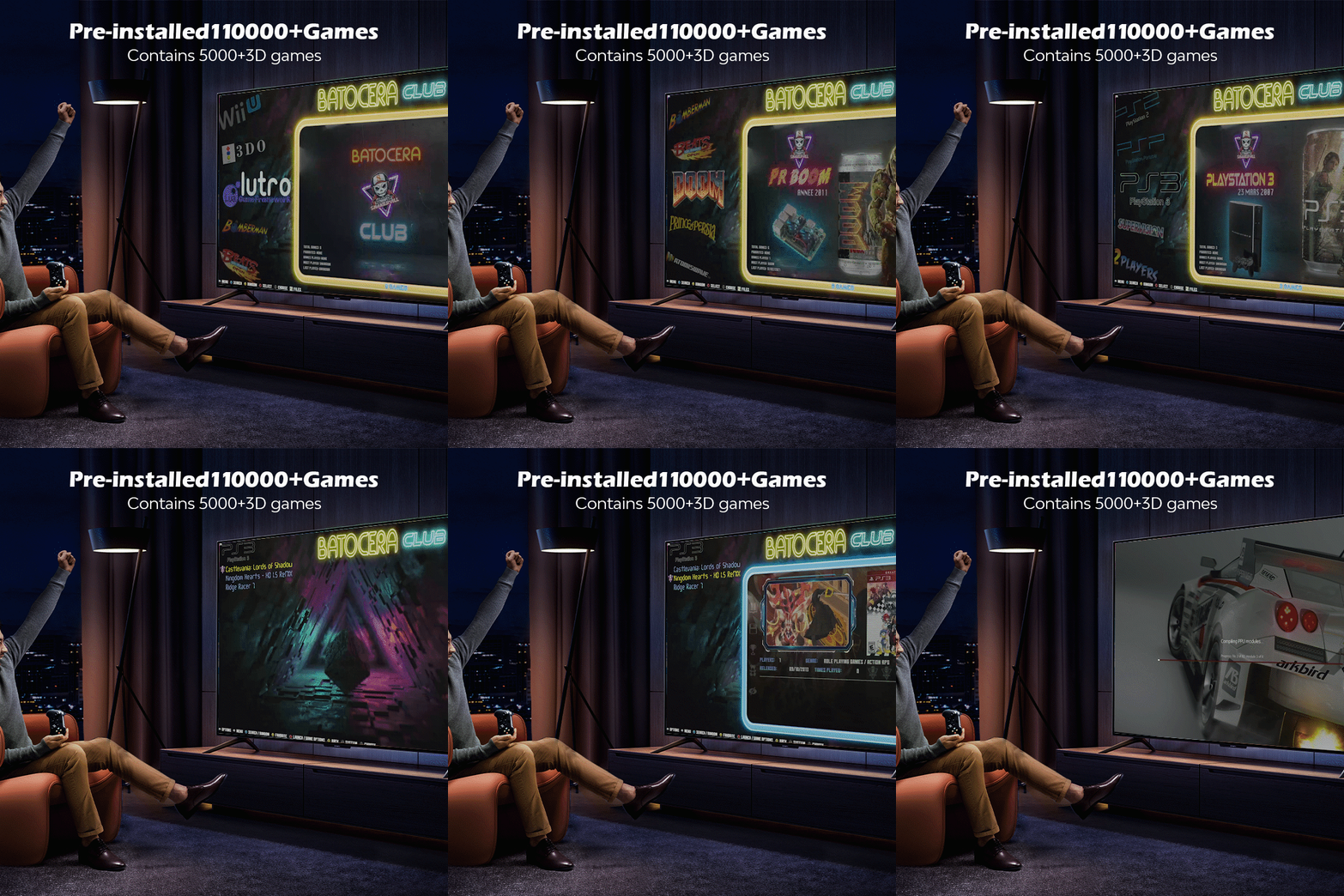
Retro gaming enthusiasts, get ready! The Kinhank 500GB Batocera Bootable Drive for PC is here, loaded with over 110,000 classic and 3D games, bringing the ultimate plug-and-play gaming experience straight to your PC. Whether you’re a fan of arcade classics, PlayStation hits, or SEGA Dreamcast gems, this fully configured Batocera 33 image delivers a smooth and immersive retro gaming experience. Best of all? You can download it for free right here on Arcade Punks – OR – Buy it here on Amazon.

Why Choose the Kinhank 500GB Batocera Drive?
🔥 110,000+ Games & 70+ Systems Supported
From arcade legends to home console classics, this drive supports a massive range of platforms, including:
✅ PlayStation 2 (PS2) & PlayStation 1 (PS1)
✅ SEGA Dreamcast (DC) & Saturn (SS)
✅ Nintendo 64 (N64) & GameCube
✅ Arcade classics via MAME & Naomi
✅ Over 5,000 3D games for an enhanced experience
🔌 Plug & Play Convenience
No complicated setup required! Simply burn the image onto a USB or SSD drive (minimum 500GB), boot into Batocera, and start playing instantly. Games load fast, ensuring a smooth and seamless gaming experience.
🖥️ High Compatibility – Turn Any PC into a Gaming Machine
Compatible with Windows 7/8/10/11, Mac OS, and Linux, this image breathes new life into your old or new computer, transforming it into the ultimate retro gaming console.
How to Use the Kinhank 500GB Batocera Drive
1️⃣ Download the Batocera image file.
2️⃣ Burn it onto a USB drive or SSD (500GB minimum) using software like BalenaEtcher or Rufus.
3️⃣ Enter BIOS by pressing ESC/Delete (PC) or Option (Mac) on startup.
4️⃣ Select your boot device and launch Batocera.
5️⃣ Enjoy instant access to 110,000+ games from multiple retro gaming systems!
💡 Want Batocera as your default OS? Simply set your USB/SSD as the primary boot device in BIOS settings.
Key Features of the Kinhank 500GB Batocera Drive
✅ Massive Game Library – Over 110,000 games ready to play!
✅ 70+ Emulators – Supports PS2, PS1, Dreamcast, Naomi, MAME, SEGA Saturn, and more!
✅ Multilingual Support – 26 languages, including English, French, Spanish, German, Arabic, and Japanese.
✅ Easy Game Management – Add new ROMs, update the game list, and expand your collection effortlessly.
Turn Your PC into a Gaming Beast – Free Download Now!
We’re giving this incredible 500GB Kinhank Batocera gaming image away for FREE to the Arcade Punks community! Download now and unlock a world of classic gaming nostalgia.
HOW TO INSTALL
- Download (heres how)
- Extract RAR Files (heres how)
- Write image file to USB/SSD (there is a usb writer included in the .rar files when extracted)
- Plug in USB or SSD to PC and ensure you boot from that drive
- Play !
Download
You need to be logged in to see the download links.
5 Comments
Join the discussion
You must be logged in to post a comment.
This is my first time using a .bin file on a imageUSB creator. Hope it works out.
We’re you able to get it to work?
I need some help, I’ve followed all the directions but the image isn’t extracting as bootable. I’ve tried several different burning software packages and just can’t get it to boot. I can get my PC to try and boot out but it always says “not bootable”
I’ve tried different burning software packages and just can’t get it to boot.
need seeds.. incomplete download unable to extract image big